Part 11 of 24
The Tools page
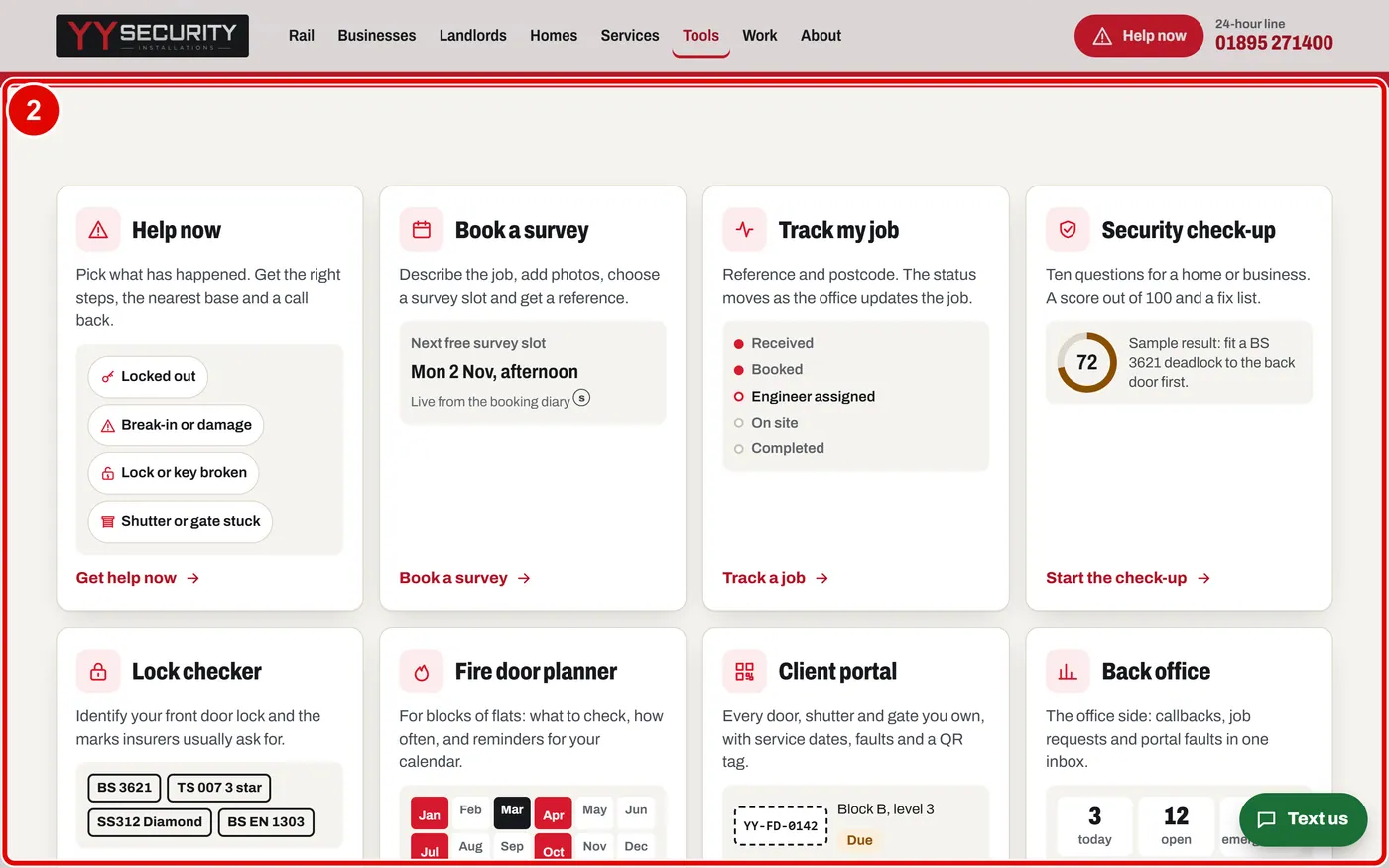
All eight tools live on one page.
Step 1. Click Tools on the top menu.

Step 2. You see all eight tools: Help now, Book a survey, Track my job, Security check-up, Lock checker, Fire door planner, Client portal and Back office.
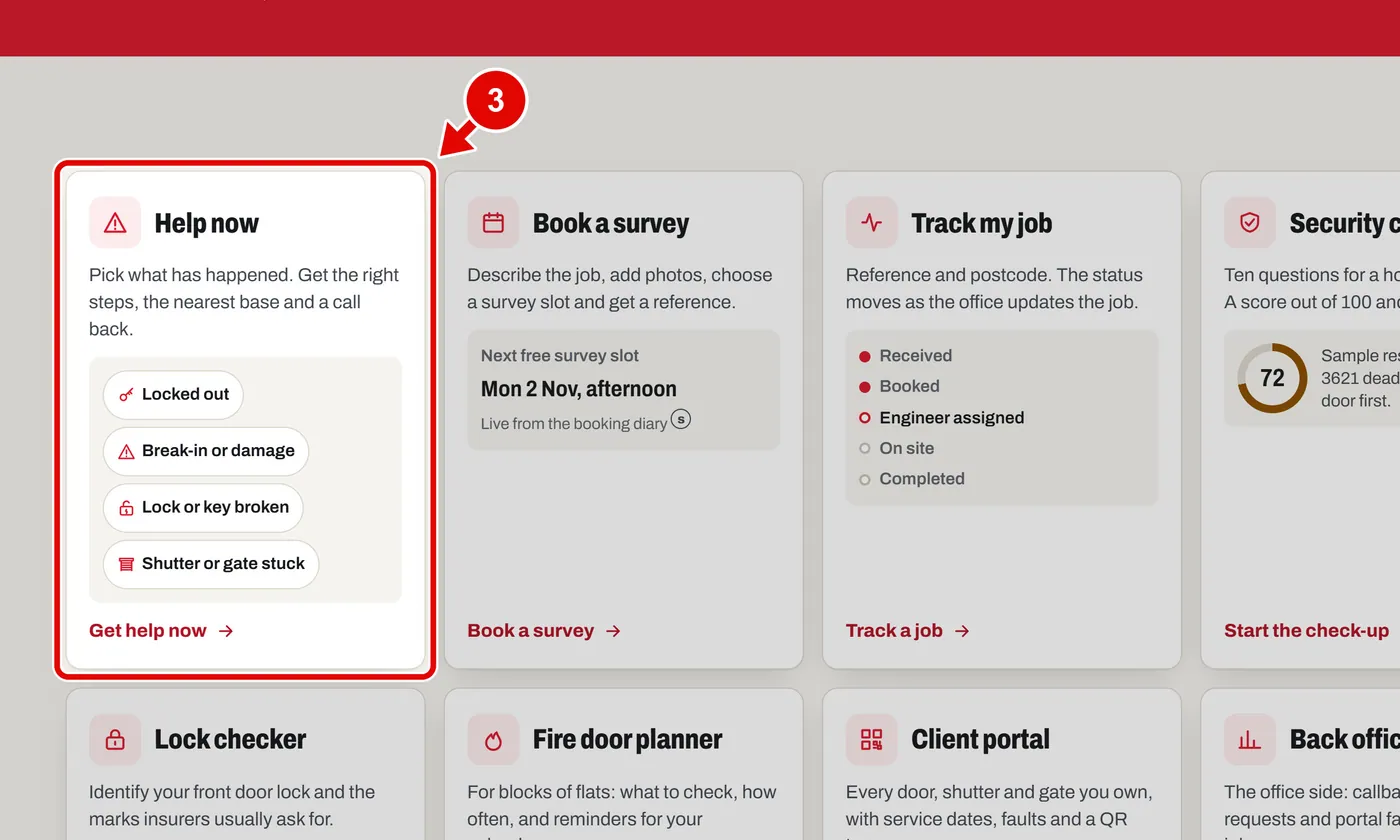
Step 3. Each card says what the tool does. Click a card to open the tool.