
Part 12 of 24

Pages for each kind of customer

There is a page for each kind of customer. Each one shows the tools, services, jobs and certificates that matter to them.

  1. Step 1. Click Rail on the top menu. This page is for stations and transport.

    Screen grab from Pages for each kind of customer, on a computer. A red box marks the part to use.
  2. Step 2. The page starts with a big photo and a title.
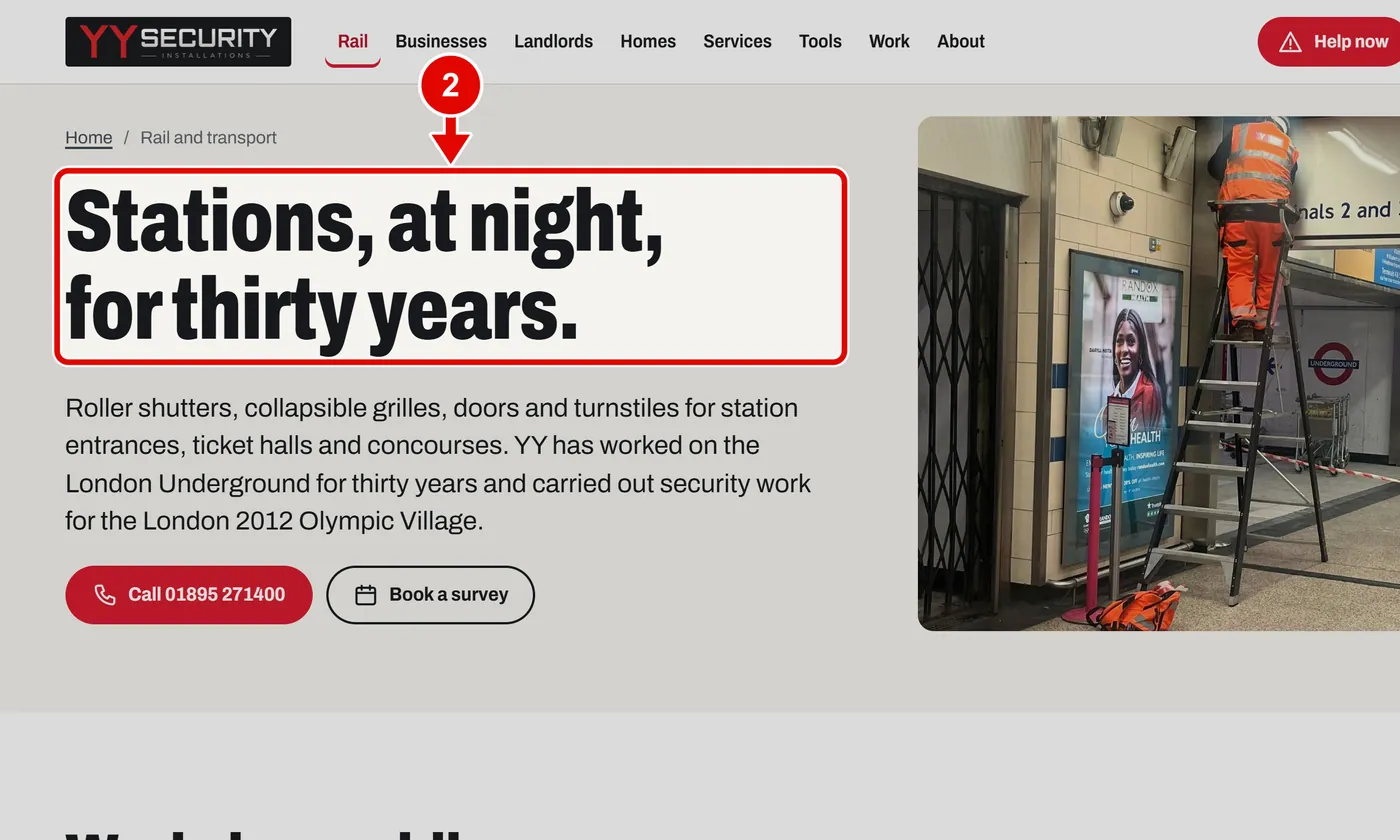
    Screen grab from Pages for each kind of customer, on a computer. A red box marks the part to use.
  3. Step 3. Scroll down for the tools that suit rail work.
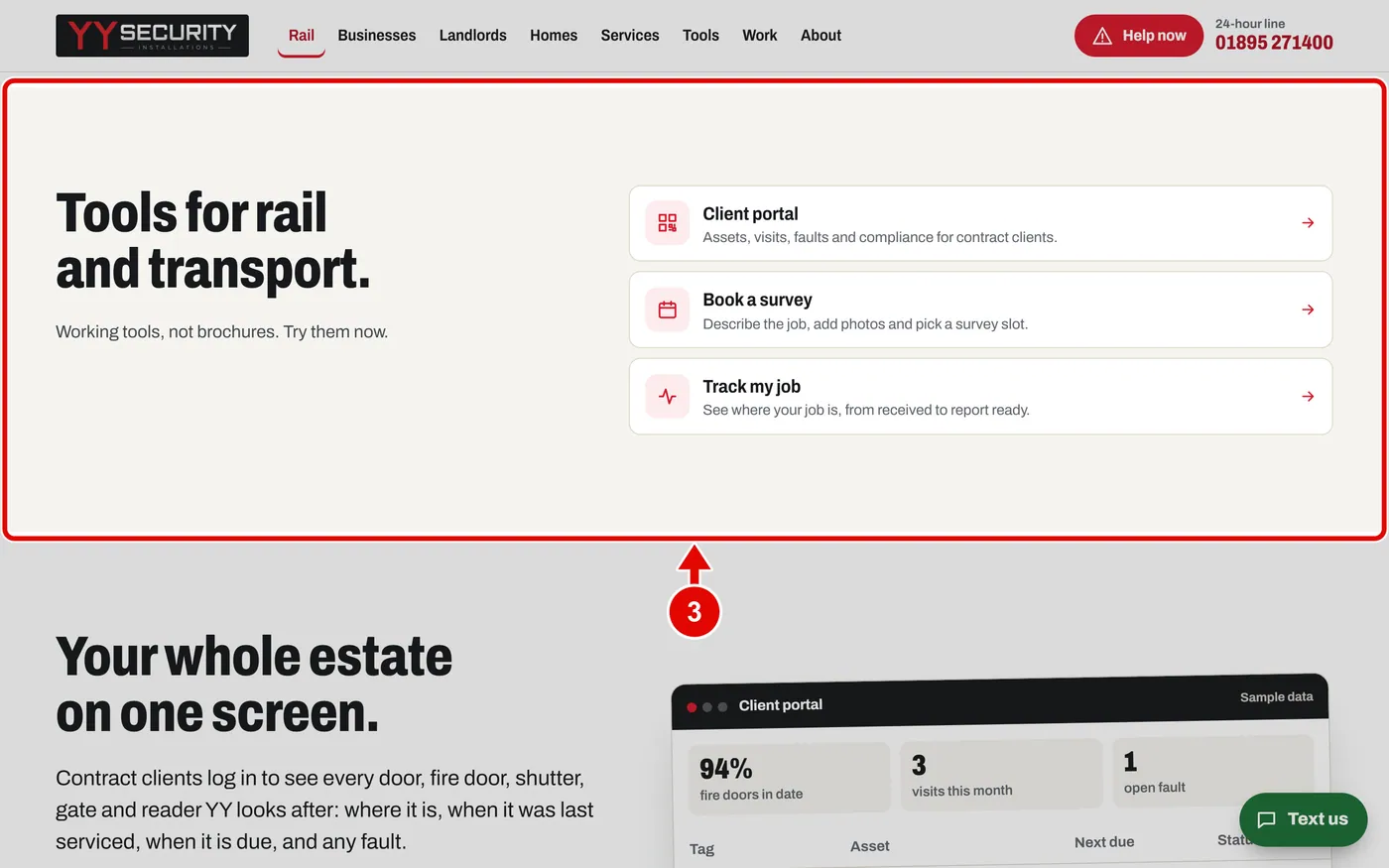
    Screen grab from Pages for each kind of customer, on a computer. A red box marks the part to use.
  4. Step 4. Near the end are the certificates that matter for this kind of work.
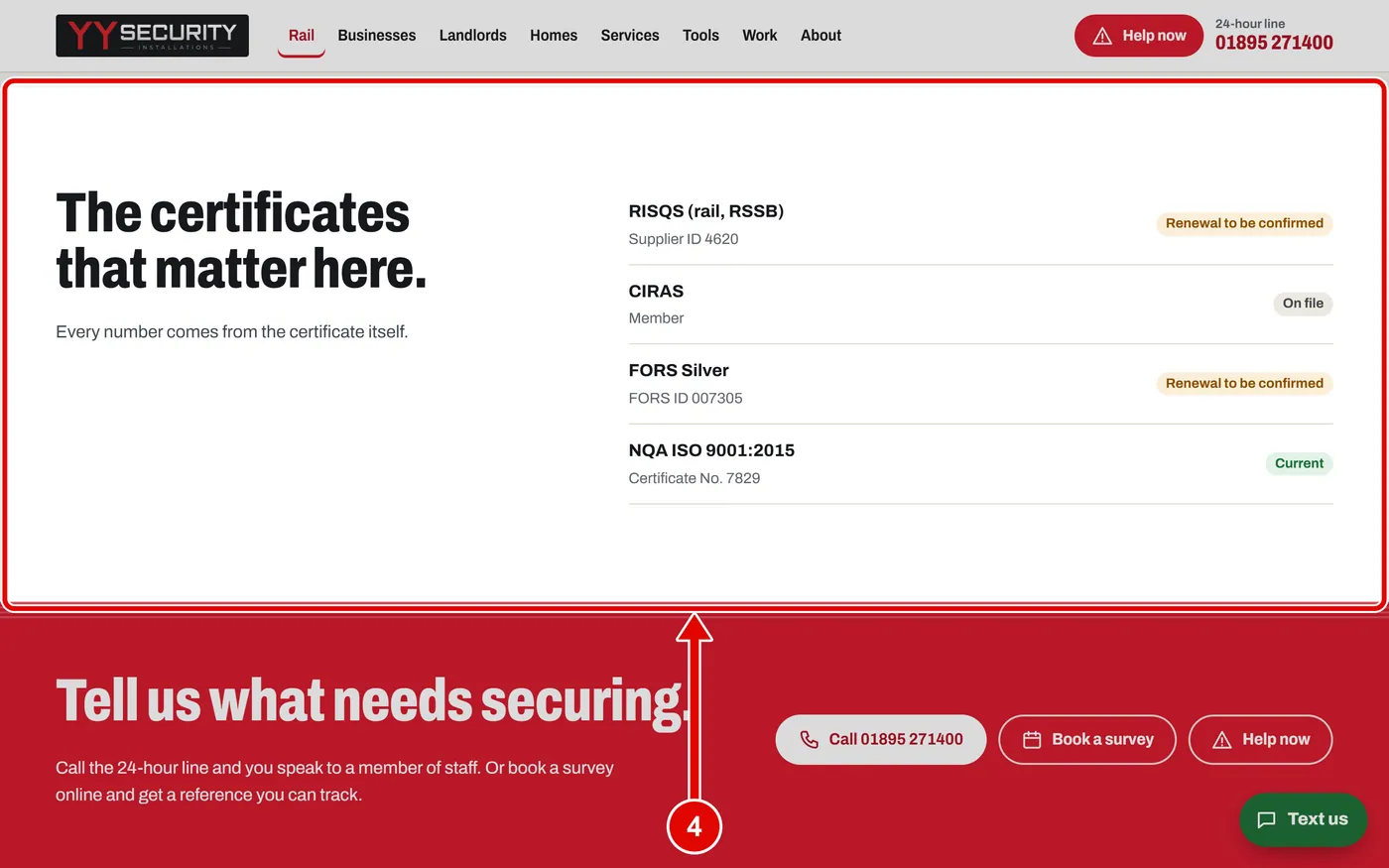
    Screen grab from Pages for each kind of customer, on a computer. A red box marks the part to use.
  5. Step 5. Click Businesses on the top menu. This page is for shops, offices, blocks and depots.
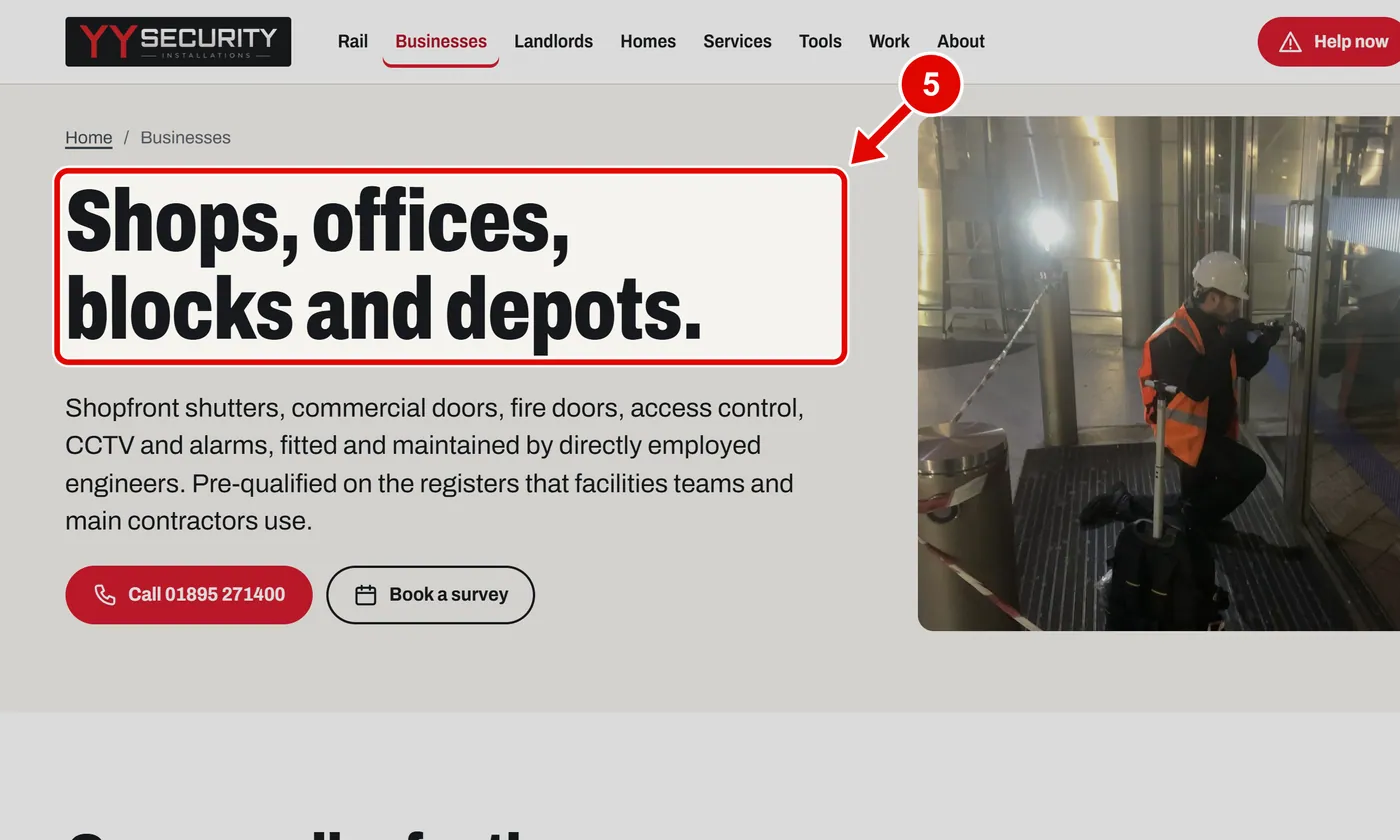
    Screen grab from Pages for each kind of customer, on a computer. A red box marks the part to use.
  6. Step 6. Each page shows real jobs from YY's own photographs. Click one to read about it.
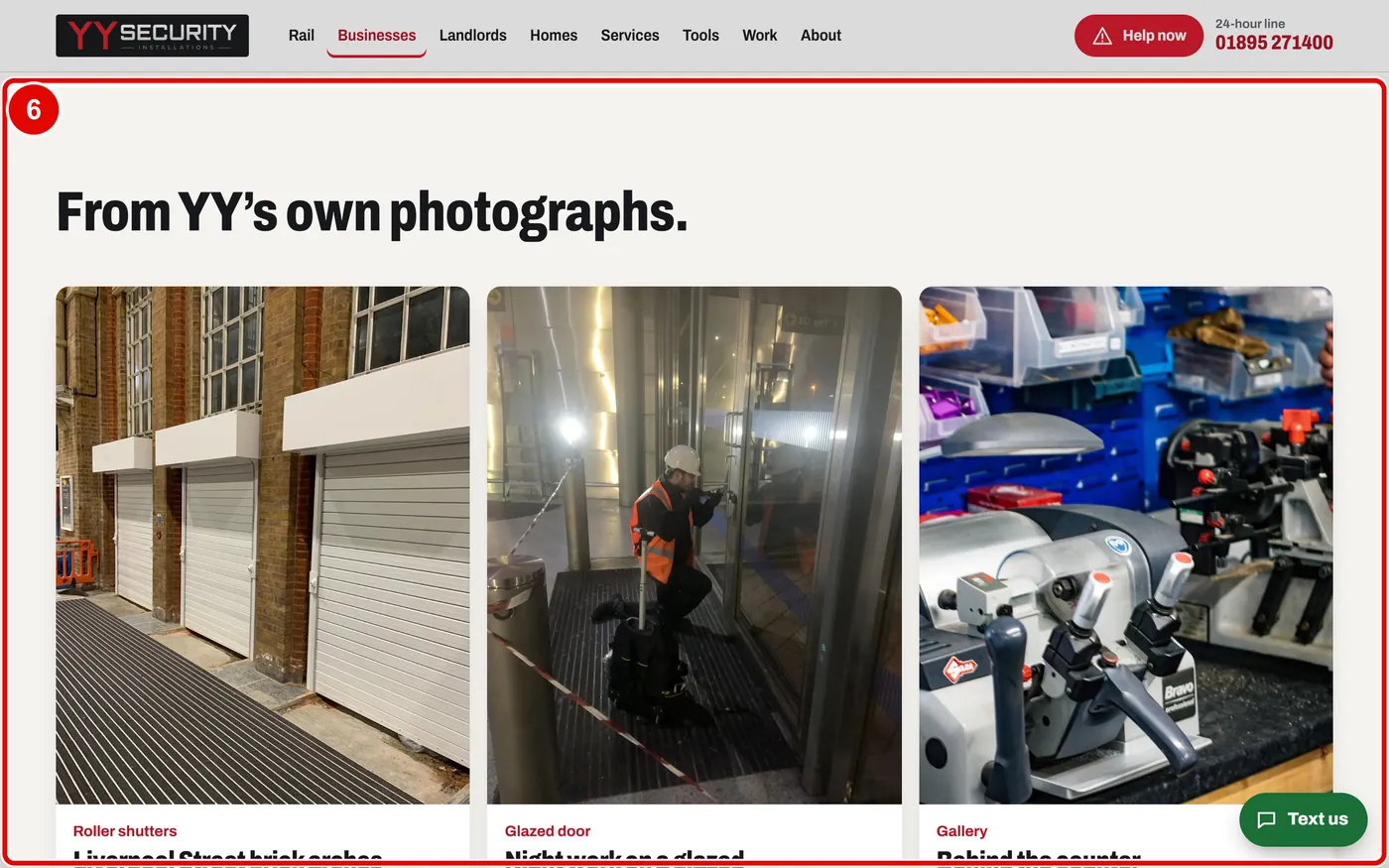
    Screen grab from Pages for each kind of customer, on a computer. A red box marks the part to use.
  7. Step 7. Click Landlords on the top menu. This page is for landlords and managing agents.
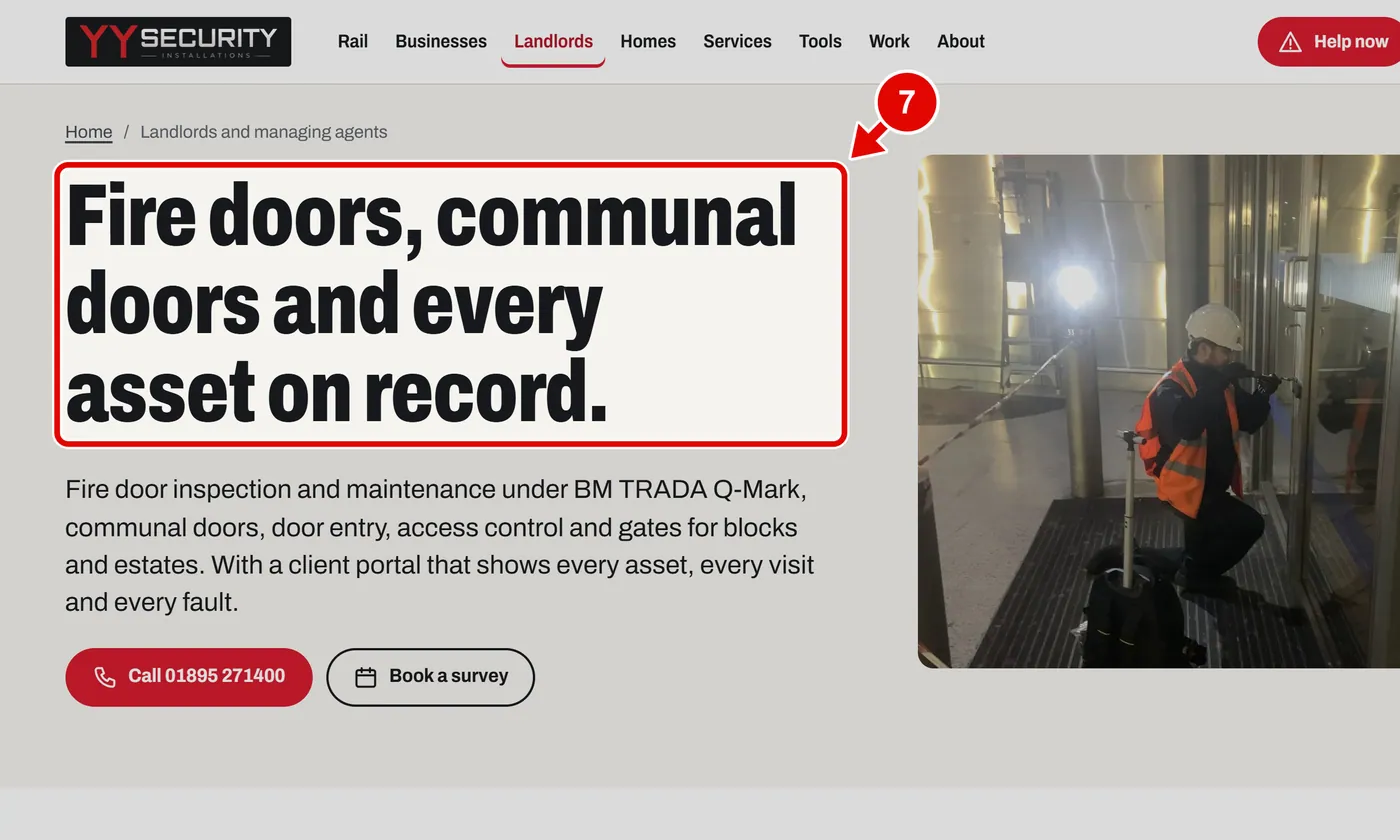
    Screen grab from Pages for each kind of customer, on a computer. A red box marks the part to use.
  8. Step 8. Two tools built for landlords: the Fire door planner and the Client portal.
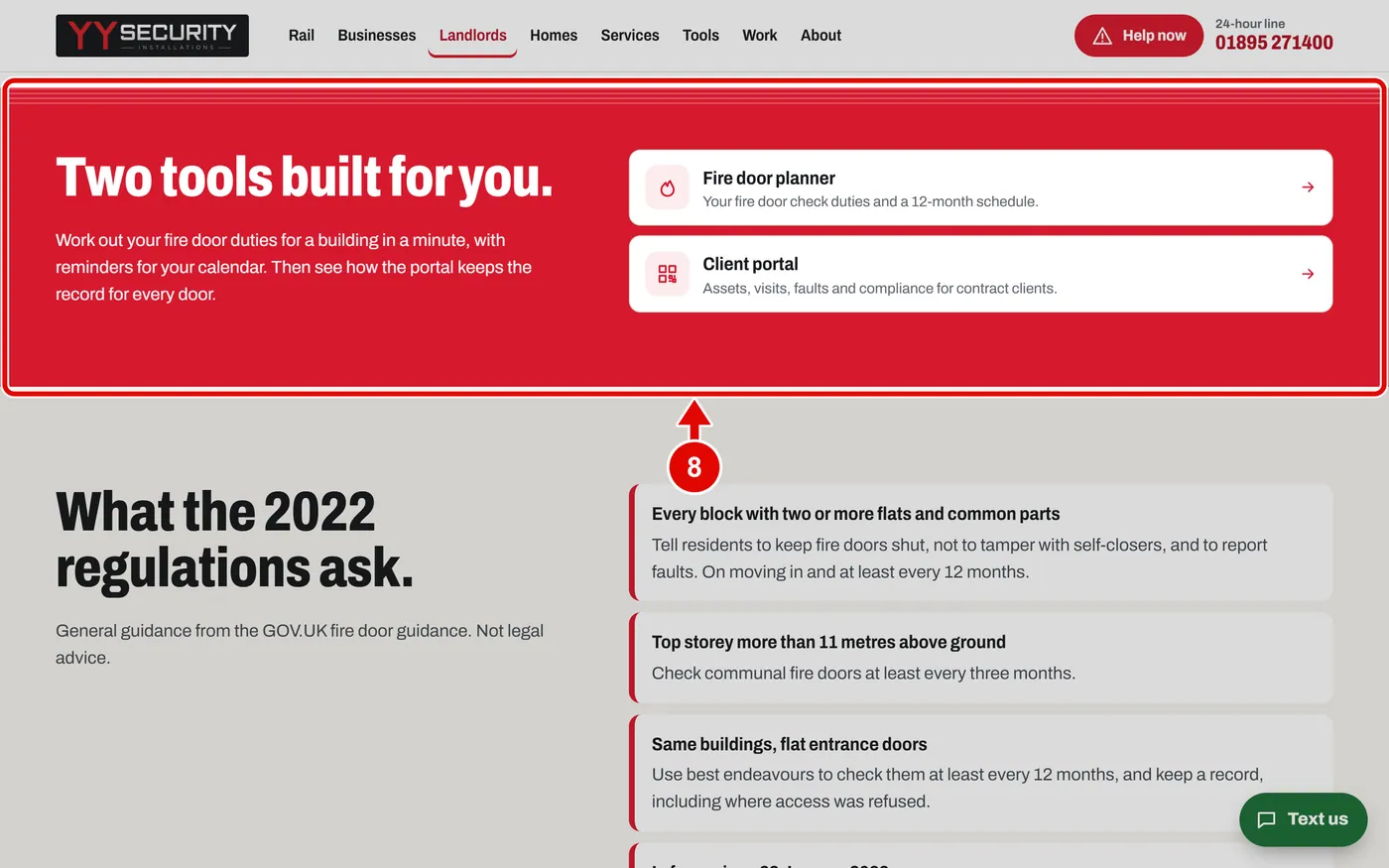
    Screen grab from Pages for each kind of customer, on a computer. A red box marks the part to use.
  9. Step 9. What the 2022 fire safety rules ask, in plain words.
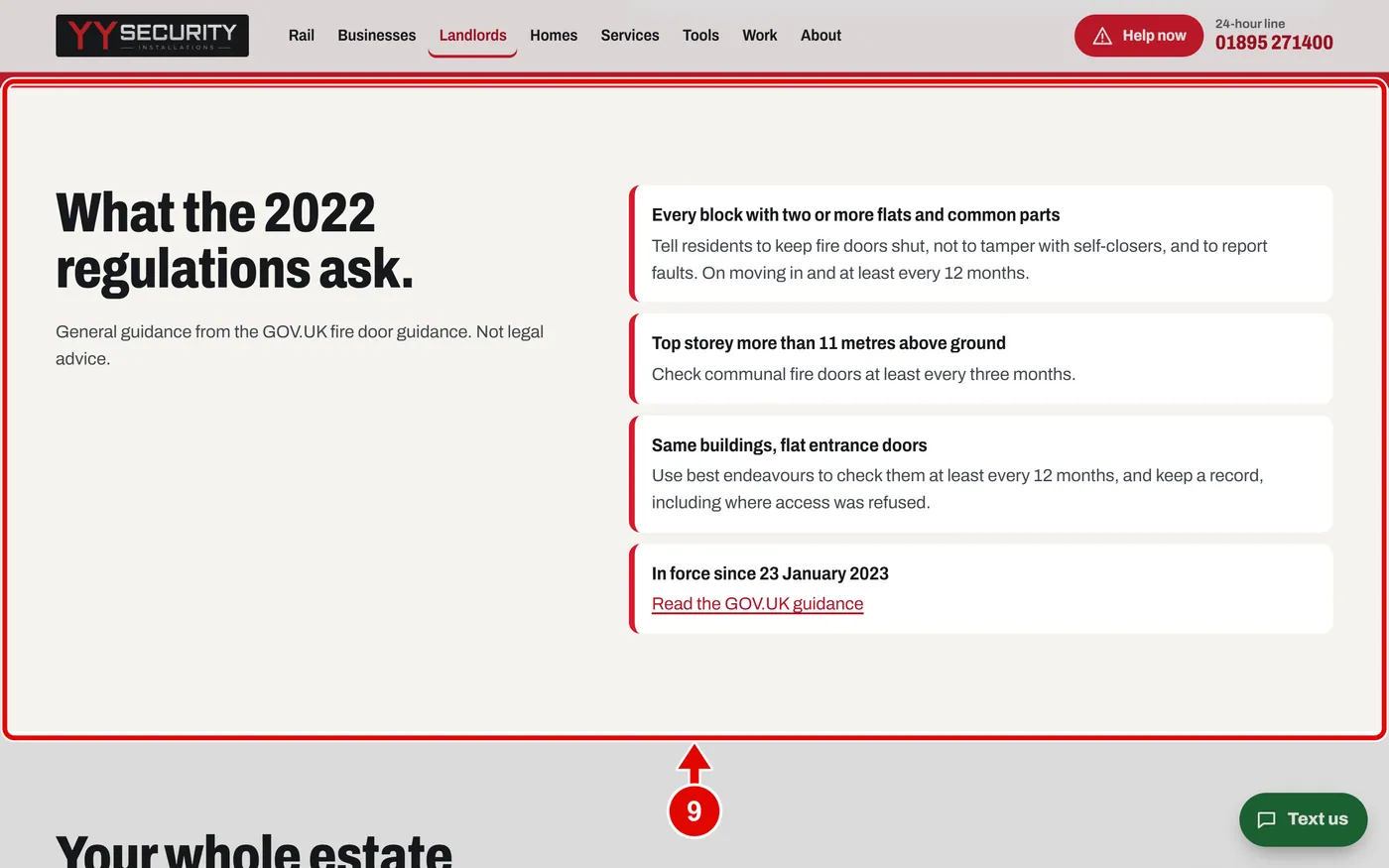
    Screen grab from Pages for each kind of customer, on a computer. A red box marks the part to use.
  10. Step 10. Click Homes on the top menu. This page is for houses and flats.
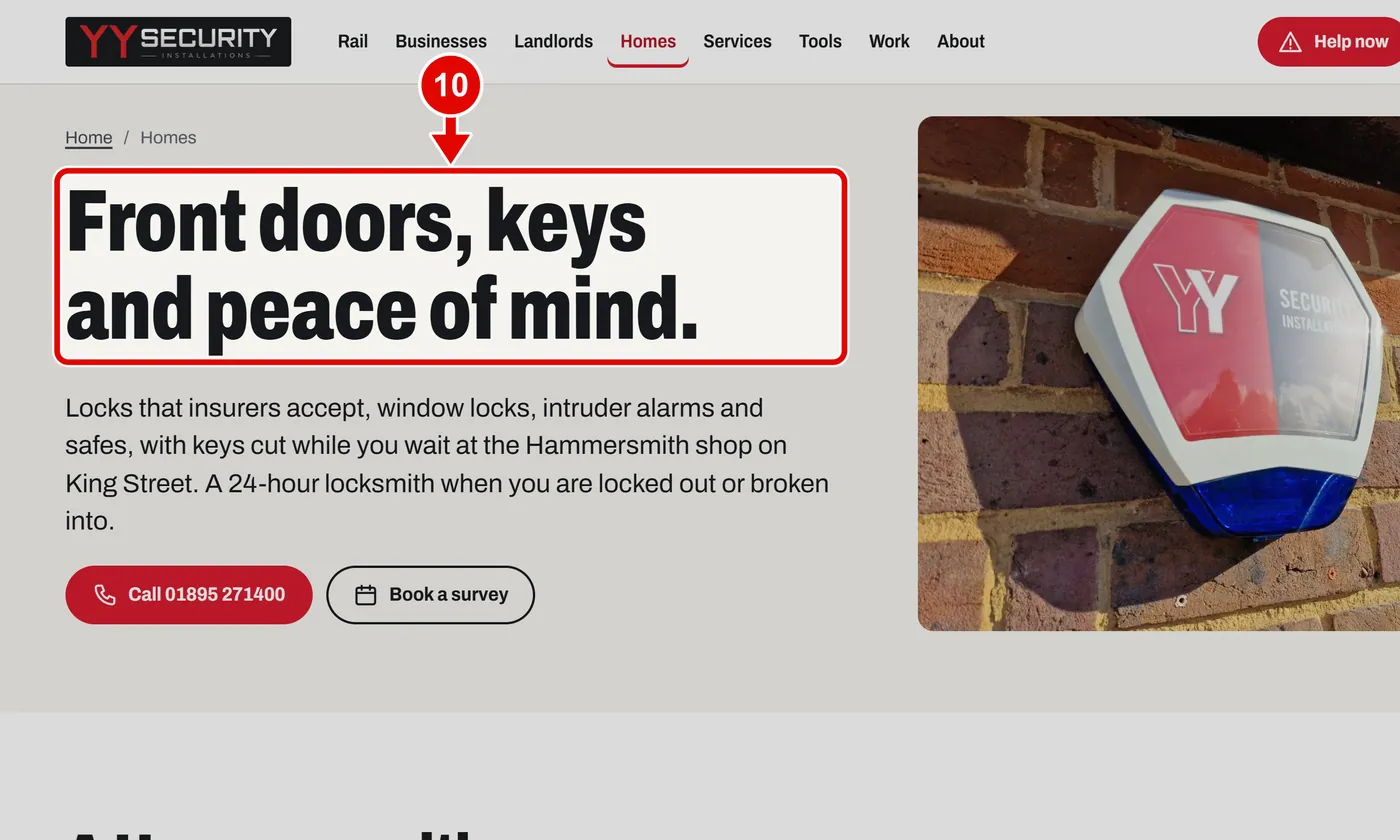
    Screen grab from Pages for each kind of customer, on a computer. A red box marks the part to use.
  11. Step 11. Tools for homes: Help now, Security check-up and Lock checker.
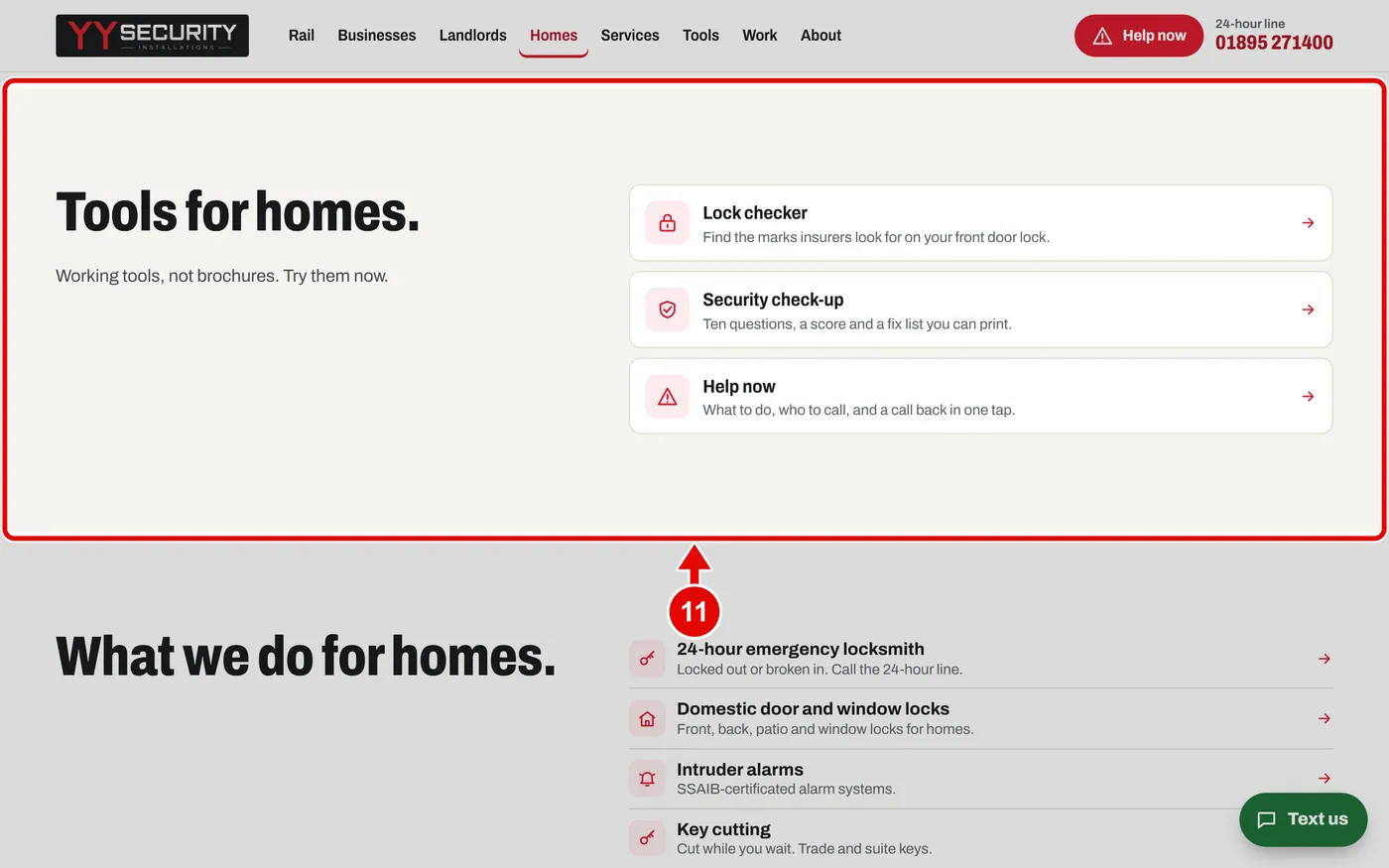
    Screen grab from Pages for each kind of customer, on a computer. A red box marks the part to use.
Text us